Digital Finance & Security
How to Increase Your Bank Account Security

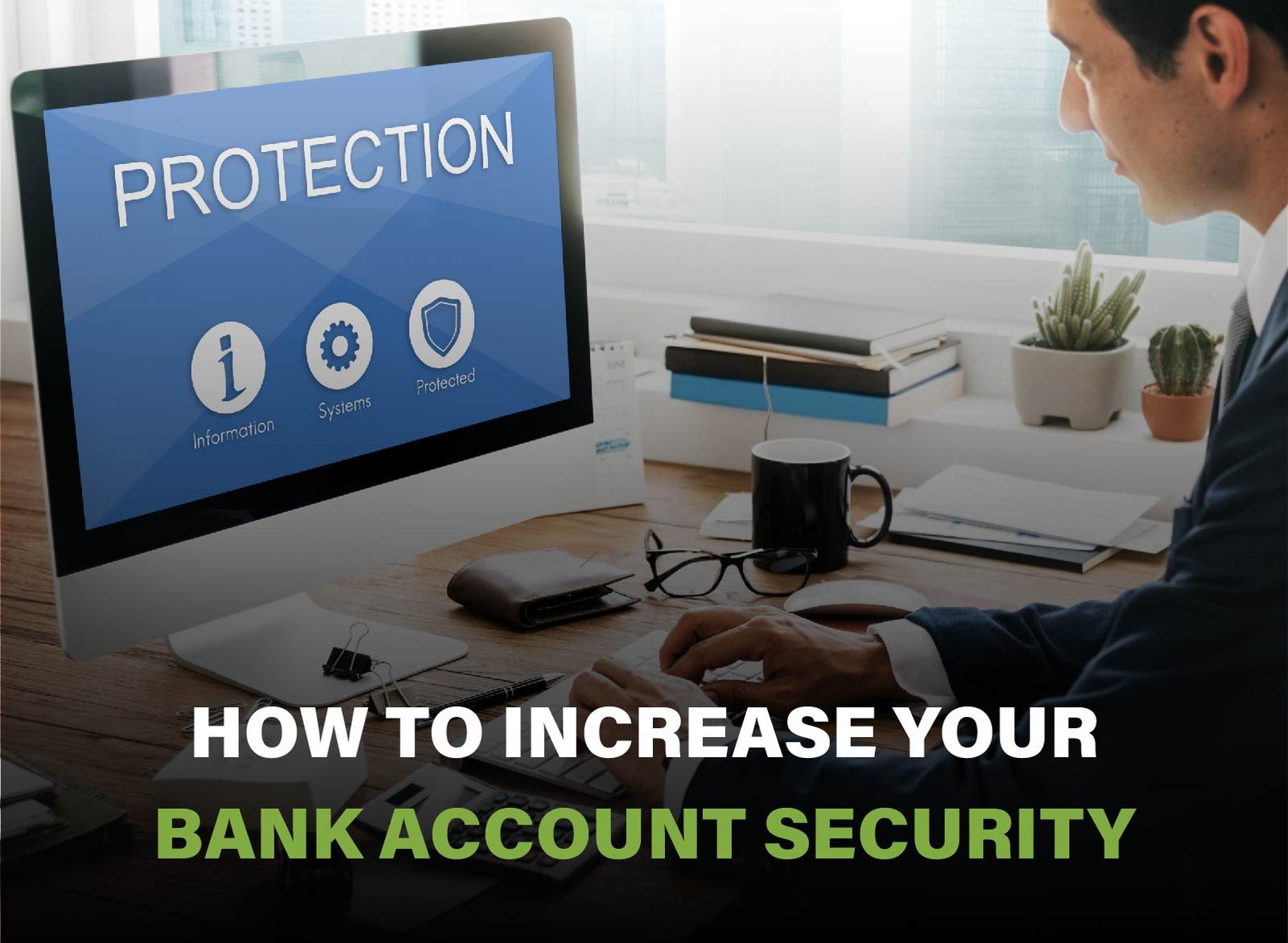
Banking on the Internet is becoming more and more common, and with the increase in cybercrime it is more important than ever to up your bank account security. The risk of financial fraud, identity theft, or unauthorized transactions can cause severe losses if you don’t take proper precautions to increase your bank account security. Whether you prefer to bank online or on the traditional route, there are certain steps to follow that can help increase your bank account security, such as creating strong and unique passwords, enabling two-factor authentication, setting up real-time alerts, and monitoring your transactions on a regular basis. It’s equally important to be on the lookout for phishing scams and to avoid using your bank account on open Wi-Fi connections. By taking on the preventive measures, you can improve a lot your bank account security and have safer banking online.
Strengthen Your Login Credentials
The first online defence you have against cyber threats is your login credentials. Select a special username and password, which is formed of upper and lowercase letters, figures, and special signs. Do not use simple information like one can use pet names or birthdays. Use two-factor authentication (2FA) as an additional security measure–this option involves one more verification step (i.e., a code that may be sent to your phone). Do not recycle passwords across accounts, and eventually, one can use a well-known and trusted password manager to create and record complex passwords.
Use Complex Passwords
These can be simply hacked or cracked by hackers via automated tools because simple passwords are simple to crack. Dictionaries words, names and other easily available information such as birthdays should not be used. Rather, use some random upper and lower case letters, numbers, and special characters to make your passwords. The more long and complicated, the better. Consider using passphrases and remember to make them random and unrelated, e.g. Blue$Train!7GiraffeMoon. The complexity will greatly increase the difficulty of cracking your password thereby offering more protection to your accounts and personal information.
Avoid Reusing Passwords
There is a bigger risk of being hacked when you use the same password on different account; in the event that one account is hacked, then all your other accounts will easily be hacked. Fraudsters tend to use stolen usernames and passwords to attack numerous websites with trafficked usernames and passwords. Ensure that each account is logged-in separately to segment possible breaches. Although it might not sound too convenient, maintaining various passwords per different accounts makes a tremendous difference in avoiding extensive harm in case one security point is compromised.
Use a Password Manager
Pass Hub Password managers allow you to create and save very strong and unique passwords to each of your accounts so that you do not need to memorize them all. The tools use an encrypted healing vault to secure your credentials and can be viewed with just a single master password. Most of them warn you of unstrong or duplicated passwords and propose stronger ones. Not only does a password manager help you get strong security, but you also do not need to cope with the hassle of having to memorize scores of complicated passwords, making it one of the most important items in safe online practices.
Enable Two-Factor Authentication (2FA)
Two-factor authentication is a significant security addition since it makes someone provide two types of identifications to log in to an account. Usually, it involves putting your password and then verifying a code which was received by a text, email, or authenticator application. It does not matter whether your password has been stolen; 2FA prevents unauthorized access. It is an easy and effective measure that significantly decreases the risk of your accounts being hacked and must be turned on everywhere where possible.
Change Passwords Regularly
Another intelligent trick is to change your passwords regularly in order to be more than one step ahead of the possible risks. Along with secure passwords, data breaches can occur even with passwords of high standards and thus by changing the password, the hacker gets less time to exploit. Schedule a notification of the need to change passwords in a few months and, of course, do so as soon as possible in case you have a vague idea that an account can be stolen. You should not recycle the password, instead, generate new passwords that are complex to ensure good security hygiene when updating.
Monitor Account Activity
It is a good idea to keep up with your account activity every once in a while, so you would notice suspicious transactions in time. Register account alerts so that you can be informed of big spendings and unusual transactions. Most financial apps and banks provide the tools to track the spending trends and notify about unusual behavior. Review your statements once a week at least and report any suspicious activities right away. The faster you will act, the more you will have a chance to minimize possible losses. Monitoring your financial movement provides you with the power to notice fraud earlier, before it develops to a greater extent.
Set Up Account Alerts
Enabling accounts alerts will assist you to be aware of the essential activity in real-time. The majority of banks and other financial institutions enable you to create customized notifications on such activity as withdrawals, deposits, unsuccessful logins, and alterations in account options. Such messages can be done through email, text or push message using your phone app. Being constantly updated, it is possible to act immediately against any fraudulent or strange activity you are aware of, preventing fraud while it is still small.
Check Statements Weekly
You may choose to wait a whole month before looking at your monthly statement to find out what is going on with your account and this may be too long to allow looting to go on unnoticed. Set up a habit to review your bank statements and credit card statements at least once, preferably more than once a week. Check for transactions they have never made before, multiple bills, or small amounts of money withdrawn as a test usually by a fraudster. People should find time to detect the possessions starting as early as possible will limit losses and cause early start of the process involving disputes.
Use Mobile Banking Apps
Mobile banking applications enable you to access your accounts in real-time and you can track the posting, funds transfer and you even get alerts automatically. These applications are usually more receptive compared to desktop websites and allow you to be in control of your finances at any place. Most of them have in-built security options such as facial identities, logins, transaction alerts, and lock circuit of cards.
Report Suspicious Activity Immediately
Contact your bank as soon as possible should you see anything unusual, including but not confined to unauthorized debit, checks, log in or send activity in your accounts and unsolicited messages about transactions happening on your account. Any delay in a reaction results in the additional uncontrolled access and loss of more money. A big majority of banks provide 24-hour service in reporting fraud, and the sooner you act, the sooner that investigation and security actions can take place.
Track Multiple Accounts Separately
Paying attention to your main checking or saving account is easy to do, but fraud may take place through any account, such as joint accounts, business accounts, and little used ones. Review every account in a separate way regularly to make sure that some dubious activity does not go under the radar. Put alerts on all accounts and visit them regularly, even the ones that you do not use frequently. Secondary accounts may be vulnerable since less attention is paid to them, and it should not be a weakness of your financial safety.
Secure Your Devices
It is vital to keep your gadgets safe by ensuring they are secured whenever visiting money-related accounts. Stay current with always up-to-date software in your operating system, browsers, and applications– new updates typically contain important security features. There should be a firewall and well-trusted antivirus software to assist in protection against malware and malicious people. Never use the public Wi-Fi to do your banking or shopping, and in case you need to do it, consider the virtual private network (VPN) to add an extra level of security. Turn on encryption on devices, and secure screens with adequate screen-lock mechanisms (including biometrics on a smartphone or secure passcodes) to help minimize the impact of physical access on your information.
Install Antivirus Software
Antivirus applications are also necessary to protect your gadgets against viral software that may steal bank information. These software identify and filter menaces such as keyloggers, trojans, and spywares before they mimic damage. Select a well-known antiviruses application and update it to protect against the newest threats. A large number of contemporary antivirus programs even consist of values such as firewall security, phishing interception and real-time monitoring.
Update Software Regularly
Software updates do not only provide enhanced features, but also security updates, which seal previously known vulnerabilities. Outdated systems are used by hackers who seek to infiltrate an unofficial way into devices and sensitive data. You can fill those gaps by keeping your operating system, browser, applications and security software current. Where at all possible, make automatic updates enabled, to ensure that you can receive important fixes. Keeping up with software updates goes a long way towards preventing cyber attacks and will keep your gadget, and possibly bank information, secure.
Use Encrypted Connections
Check that you always use the secured connections when accessing the financial information on the web. Ensure that the fixed website address starts with https:// and you see a padlock sign in the address bar of your browser, showing it to be a secure connection. Do not type in sensitive information in unencrypted websites or unsecured networks. The use of virtual private networks (VPN) will also assist in encryption of your internet traffic, particularly on mobile / sharing networks. This means that your data is safe during transmission to the bank servers since it is encrypted.
Avoid Public Wi-Fi for Banking
The Wi-Fi connection in the airport or any other public places is known as unsafe and usually used by the black hats to intercept the data sent through it. Do not access your bank account or execute any financial transaction when you are on the public Wi-Fi (such as coffee shops, airports, or hotels). Regardless of whether you have to use public Wi-Fi, it is best to go through a reliable VPN to codify your information. To be as safe as possible, use secured and personal networks whenever using financial services. Your financial and personal data should always be subjected to a secure connection.
Lock Your Devices
Whenever you access a phone, tablet and computer, use a screen lock to keep the machine away. Long secure password, PIN or fingerprint, facial recognition, locked device: a complex tool is simple and an effective barrier to theft and abuse. Locks give protection to your emails and banking apps, as well as the saved passwords in case your device gets lost or stolen. Activate such functions as auto-lock and remote wipe to provide extra security. Digital protection is complemented by physical security- the two can keep your data safer.
Avoid Phishing and Scams
Scams and phishing practices are still developing and are dangerous. Do not trust unsolicited emails, text messages or phone calls requesting the need to provide sensitive information or make urgent actions. Before any clicks and attachments, always check the identity of the sender. Any legitimate firm will never request personal information over email. Apply spam filtering and report dubious messages. Know the tricks to look out for and learn how to know when something sounds fishy. Suspicion and alertness will help you to avoid being a victim of a complex fraud.
Don’t Click Unknown Links
These scammers will usually create malicious links that will make you release personal or financial information. Hover, or move the cursor over any link before clicking to be able to preview the destination and be assured that the links are from a legitimate source. Microsoft encourages you to be particularly wary of links contained in unwanted messages or text even when they seem to have been sent by a reliable entity. When you are not sure, do not make a click but go to the official site. Poor spelling is one way of how phishing attacks and malware can be antagonized; take a moment to check.
Don’t Share Info via Email/Phone
Reputable financial institutions do not demand highly sensitive information such as passwords and social security numbers or complete account information through email and phone. When you are called by some person who asks you to provide this information, it is most probably a scam. Although the message might appear time-sensitive or official, it is better to validate it yourself, call your bank over a trusted number or log in via the official site or application. Never transmit any personal or financial information on uncertain channels.
Use Official Bank Channels
Access your bank accounts using the authorised applications or reliable websites only. You should bookmark your bank site and only download the apps on App Store or Google Play. Never follow the links which are sent by email or text, since they can be links to phishing websites. You can always use official channels of communication to make sure that you are communicating with your bank. This minimizes the chances of having fraud and data theft. And as an added precaution, you may always contact your bank directly when in doubt.
Learn to Spot Red Flags
There are several red flags that are characteristic of phishing. Watch out for generic salutations such as Dear Customer, spelling and grammatical errors, names and addresses of senders who are unknown or otherwise suspicious, and subject lines that appear irrelevant or suspicious. The scammers usually generate the urgency to act. Never forget checking the source. When you get a feeling that something doesn’t feel right, go by your gut, instead of being a victim in a fraud scheme.
Regularly Educate Yourself
The techniques used in fraud are always changing, so one should be aware. Subscribe to your bank security notifications, read reliable cybersecurity blogs, or look into the newsletter of fraud awareness. Knowledge of the latest methods of scams will allow you to react to the suspicious activity correctly. The more you understand how scams are done, the more ready you will be to fight them off. By consulting the literature regularly and learning new things, you will always stay one step ahead of cybercriminals and ensure all the precautions involved in online safety.
Protect Personal Information Offline
This is not only an online security issue but also an offline one which can equally be harmful. Store valuable papers and documents including bank statements,social security cards, and tax forms in a locked drawer or safe. It is also a good idea to shred any type of papers that may be sensitive and must not fall into the hands of dumpster diving fraudsters. Be careful not to expose personal information in the street or on the phone unless you are confident of the person you are passing the information to. Not to mention, remember also to keep your physical wallet or purse safe. This way, you also protect your information offline thus limiting your exposure to identity theft in general.
Shred Financial Documents
Just dumping in the trash outdated bank statements, credit card offers or bills can provide you with the onset of identity theft. To obtain this information, criminals sift through trash for discarded documents that might include account numbers, name, address or any sensitive information. In order to avoid this, shred all the official documents containing some form of financial or identity information before throwing them out. The most effective is a cross-cut shredder which shreds documents and thus they are very difficult to be reconstructed. To guard your offline financial record, shredding should become a usual practice.
Lock Your Mailbox
Financial information can be easily intercepted in the case of unsecured mailboxes where thieves can have easy access to it. The mail is often used to deliver such sensitive items as bank statements, credit cards, tax materials etc. Use of a locked mail restricts the possibility of mail thefts and fraudulence. Another way to minimise the risk is to change to receiving statements in a paperless form, where possible. In case you are out of town, have your mail put on hold or have someone you trust come and bring in your mail.
Don’t Share Too Much on Social Media
Sharing your personal details, such as your birthday, the name of your hometown, or pet, may seem quite safe, yet they can aid scammers to crack your passwords or decipher your security answers. There are a lot of hints criminals use to masquerade under your name or access your accounts after mining your social media. Check your privacy policies and selective sharing. One should not reveal plans to travel or any financial achievements and must never show any documents or cards. Remaining anonymous also makes you and your information secure.
Store Documents in a Safe Place
Such significant financial papers as checks, account statements, passports, and credit cards should not be left unattended. Lock them into a secured drawer, cabinet or home safe to avoid theft or misuse. It is particularly crucial when you live with other people or when you visit someone at their home or even when you have service personnel in your home. Safe storage will not only save you the agony of identity theft but will also make your handiest documents well in order and within easy reach whenever you need them.
Use Secure Methods to Dispose of Cards
Credit and debit cards that are old or not used should be destroyed before disposing to avoid stealing and activation of such cards. Do not simply cut them in two although bladed scissors can be used against plastic cards but the chip and magnetic strip must be separated i.e. by using a shredder that can handle plastic cards. Remove or ruin labels that have your account number. In case your card is metal, request your bank on how to safely dispose your card. The correct handling of cards can also mean that your information does not land into the hands of other people.
Conclusion:
Protecting your bank account involves protecting it both digitally and physically, and the best way to do that is to keep ramping up your bank account security. Whether its learning how to make strong passwords, activating two-factor authentication, tracking unusual activity, every small action you take helps you increase the security for your bank account. Cybercriminals are getting smarter, which means that your defense strategy must also evolve to make your bank account more secure. To increase your bank account security effectively make security a part of your everyday financial routine-from monitoring your devices, reviewing your networks, and being quick to respond to even the smallest warning signs. With the proper approach, you can rest assured that your hard-earned money is safe. Become the master of your financial safety right now Check your account settings, turn on alerts, and make stronger passwords-all of which can help increase your bank account security. Share this guide with your friends and relatives so they can also make their bank account more secure. Be informed, be secure and remember: Enhance bank account security to keep your money safe from any threat that may arise.
FAQs:
1:How do I get online banking in the safest possible way?
Employ safe and protected interconnections and do not connect in Wi-Fi.
2:Am I meant to change my bank account password regularly?
Every 36 months or following every security breach, at the minimum.
3:Is it safe to be involved in mobile banking?
Yes, in case your apparatus is safe and the app is that of your bank.
4:What should I do when I notice unauthorized transactions?
Freeze or lock the account with your bank at once.
5:What is the two factor authentication?
It is a security process which needs two modes of security identification.
6:Will someone crack the code of my account in the public Wi-Fi?
It is true, illegal users can use unencrypted public networks.

Understanding Different Types of Bank Accounts

How to Increase Your Bank Account Security

Ways to earn Cashback through Banking rewards

How to Secure your Online Banking Transactions

Best Mobile Banking Apps for Financial Management.

Tips for Opening a New Bank Account

How to Avoid Hidden Banking Fees

Pros and Cons of Digital Banking vs Traditional Banking

How to Choose the Right Bank for Your Needs

Best Bank Accounts for High Savings Interest

How to Manage Money Wisely

Best Ways to Increase Savings Over Time

Strategies to Improve Financial Discipline

How to Avoid Common Financial Mistakes

Tips for Setting up An Emergency Fund

Ways to Reduce Unnecessary Expenses

How to Manage Personal Finances Better
Smart Financial Habits for Beginners

How to Save Money Effectively Each Month

Best Budgeting Tips for Young Professionals
Ways to Reduce Unnecessary Expenses
How to Manage Personal Finances Better
Best Budgeting Tips for Young Professionals
How to Save Money Effectively Each Month
Smart Financial Habits for Beginners
Best Mobile Banking Apps for Financial Management.
Strategies to Improve Financial Discipline
Tips for Setting up An Emergency Fund
Understanding Different Types of Bank Accounts
How to Secure your Online Banking Transactions
Best Bank Accounts for High Savings Interest
How to Manage Money Wisely
How to Avoid Hidden Banking Fees
How to Avoid Common Financial Mistakes
Best Ways to Increase Savings Over Time
Pros and Cons of Digital Banking vs Traditional Banking
How to Increase Your Bank Account Security
Ways to earn Cashback through Banking rewards
How to Choose the Right Bank for Your Needs
Tips for Opening a New Bank Account
Understanding Different Types of Bank Accounts
How to Increase Your Bank Account Security
Ways to earn Cashback through Banking rewards
How to Secure your Online Banking Transactions
Best Mobile Banking Apps for Financial Management.
Tips for Opening a New Bank Account
How to Avoid Hidden Banking Fees
Pros and Cons of Digital Banking vs Traditional Banking
How to Choose the Right Bank for Your Needs
Best Bank Accounts for High Savings Interest
How to Manage Money Wisely
Best Ways to Increase Savings Over Time
Strategies to Improve Financial Discipline
How to Avoid Common Financial Mistakes
Tips for Setting up An Emergency Fund
Ways to Reduce Unnecessary Expenses
How to Manage Personal Finances Better
Smart Financial Habits for Beginners
How to Save Money Effectively Each Month
Best Budgeting Tips for Young Professionals
-
 Personal Finance Tips8 months ago
Ways to Reduce Unnecessary Expenses
-
 Personal Finance Tips8 months ago
How to Manage Personal Finances Better
-
 Personal Finance Tips8 months ago
Best Budgeting Tips for Young Professionals
-
 Personal Finance Tips8 months ago
How to Save Money Effectively Each Month
-
Personal Finance Tips8 months ago
Smart Financial Habits for Beginners
-
 Banking Tips & Tricks4 months ago
Best Mobile Banking Apps for Financial Management.
-
 Personal Finance Tips4 months ago
Strategies to Improve Financial Discipline
-
 Personal Finance Tips4 months ago
Tips for Setting up An Emergency Fund


